Design Studio
Turn a photo into a rug you can tuft: a bold, flat drawing, real shades of your yarn, how much of each color you'll need, an actual-size tracing pattern, and a price.
Watch the general tutorialStart with a picture
Drop in a photo, a drawing or a logo, or try the sample. Crop it to the rug's shape and flip it if you need to. Lay it on the cutting mat to see it as a rug.
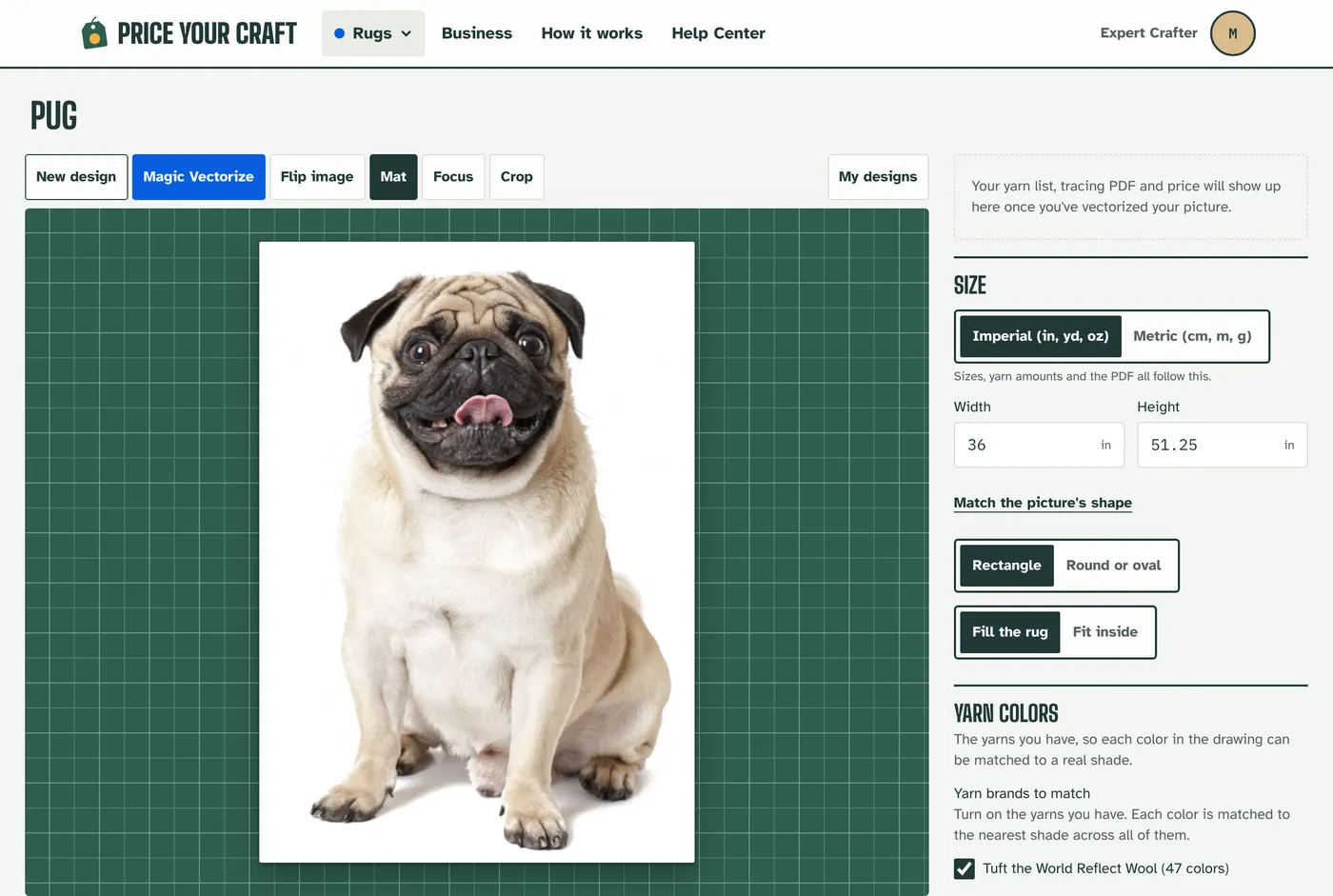
Tap Magic Vectorize
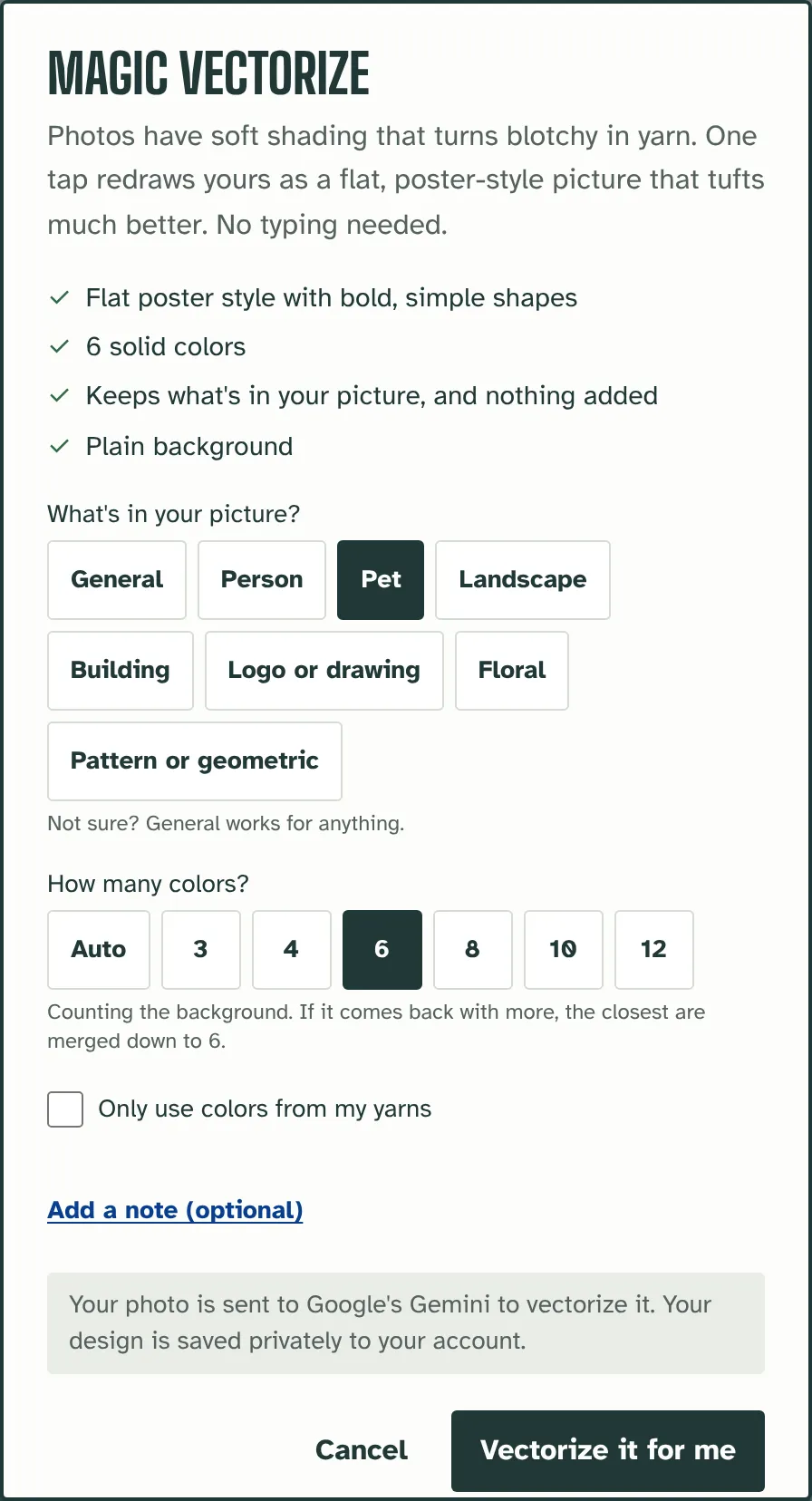
Photos have soft shading that turns blotchy in yarn. Magic Vectorize redraws yours as a flat, poster-style picture made for tufting. Say what's in it (a person, a pet, a landscape, a floral or a pattern) and how many colors you want. Your photo goes to Google's Gemini only when you tap Vectorize it for me.
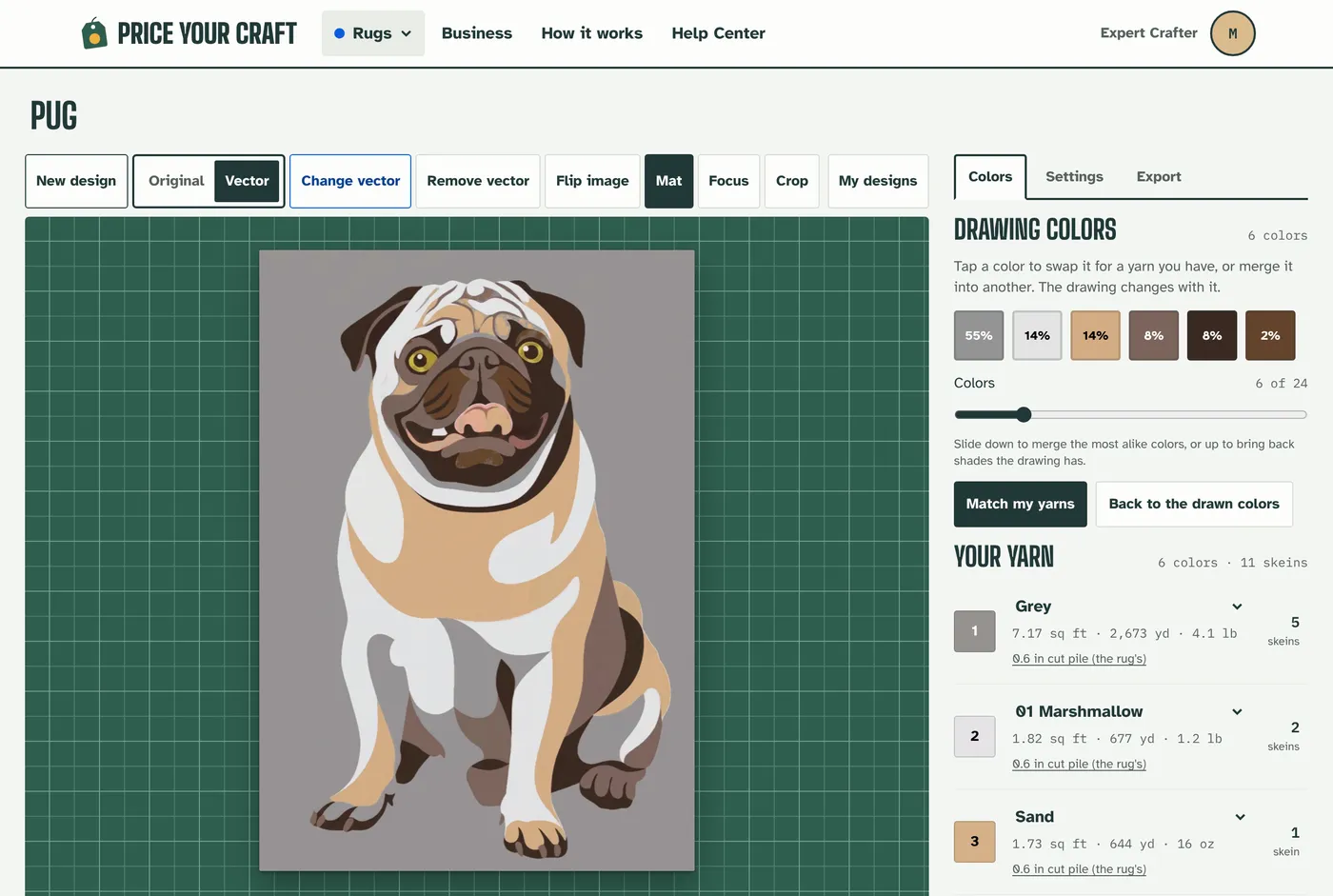
Shape the colors
Slide the color count down to merge the most alike colors, or tap one to swap it for a yarn you have. Match my yarns turns every color into a real shade of your yarn. Want something changed, like a hat taken off? Use Change vector and say what to change.
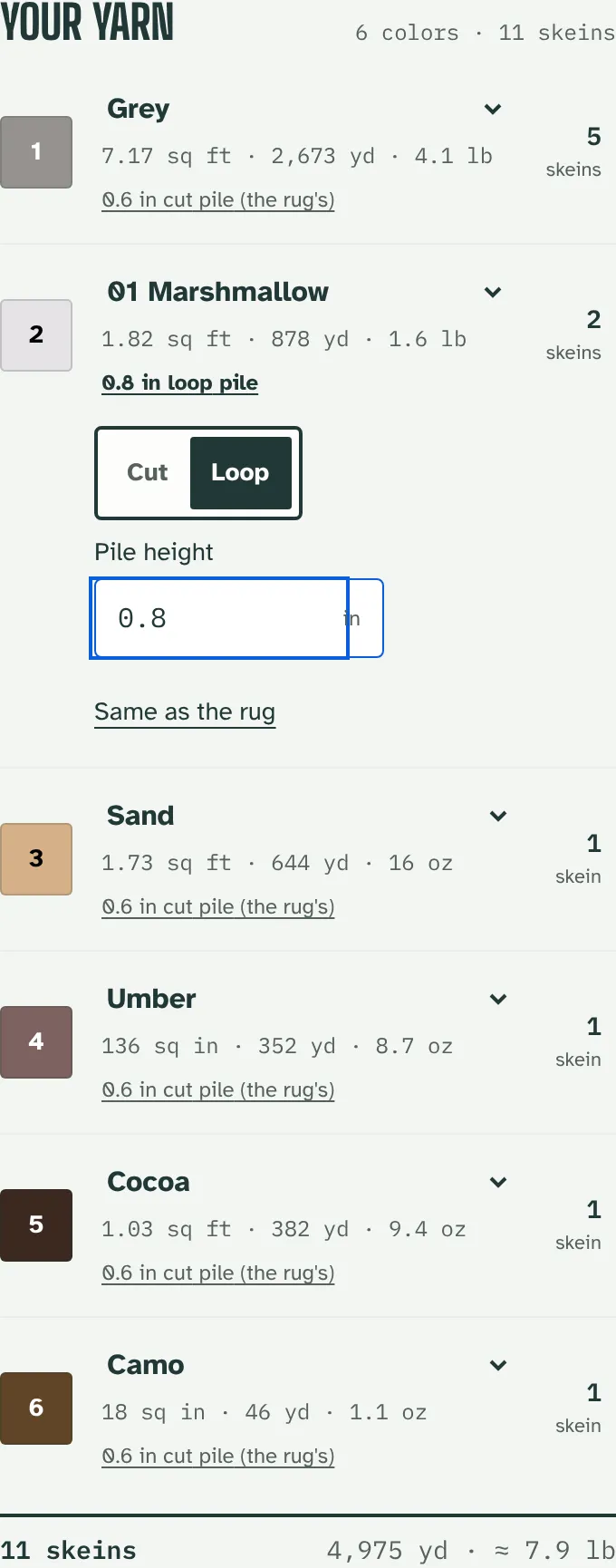
See the yarn for each color
Every color shows its area, yards, weight and the skeins or cones to buy, with extra for waste. Tap a color's pile to give it its own height, or make it cut or loop.
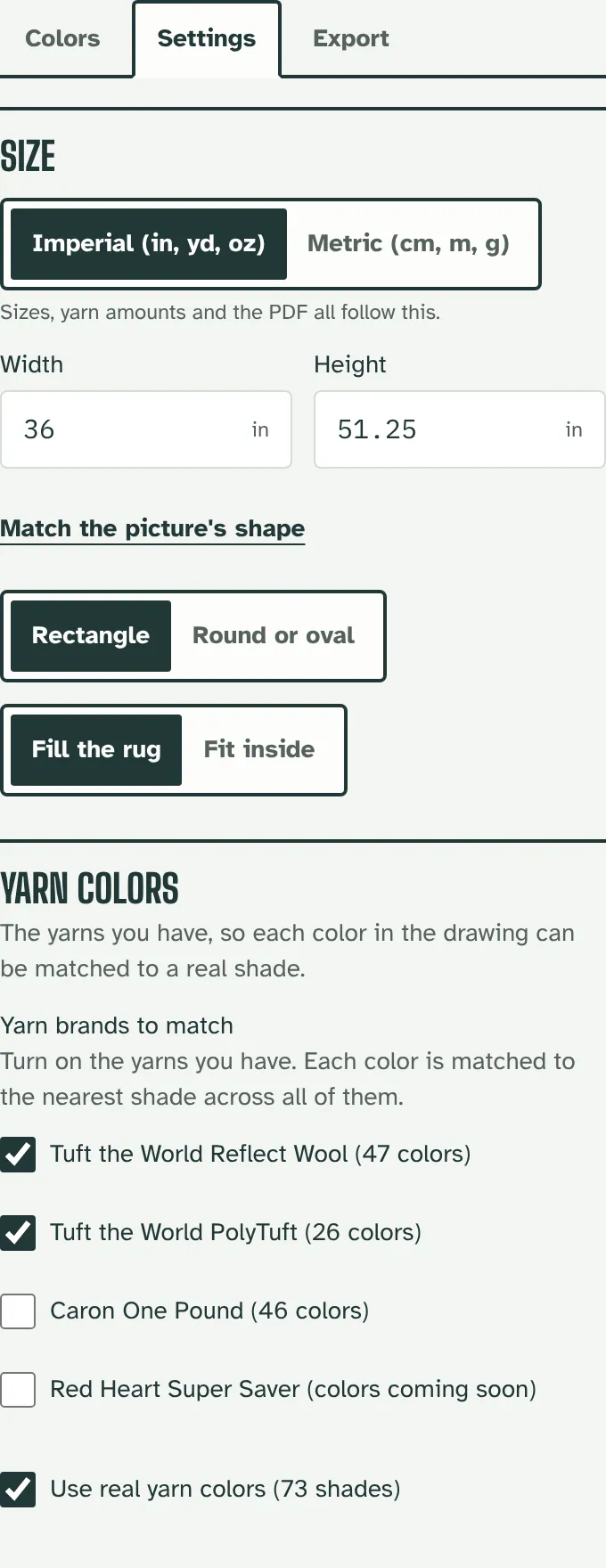
Set the size and your yarns
In Settings, set the rug's size and shape and tick the yarns you have: Tuft the World Reflect Wool, PolyTuft, Caron One Pound or Red Heart. Match the pile, rows, stitches, strands and waste to how you tuft.
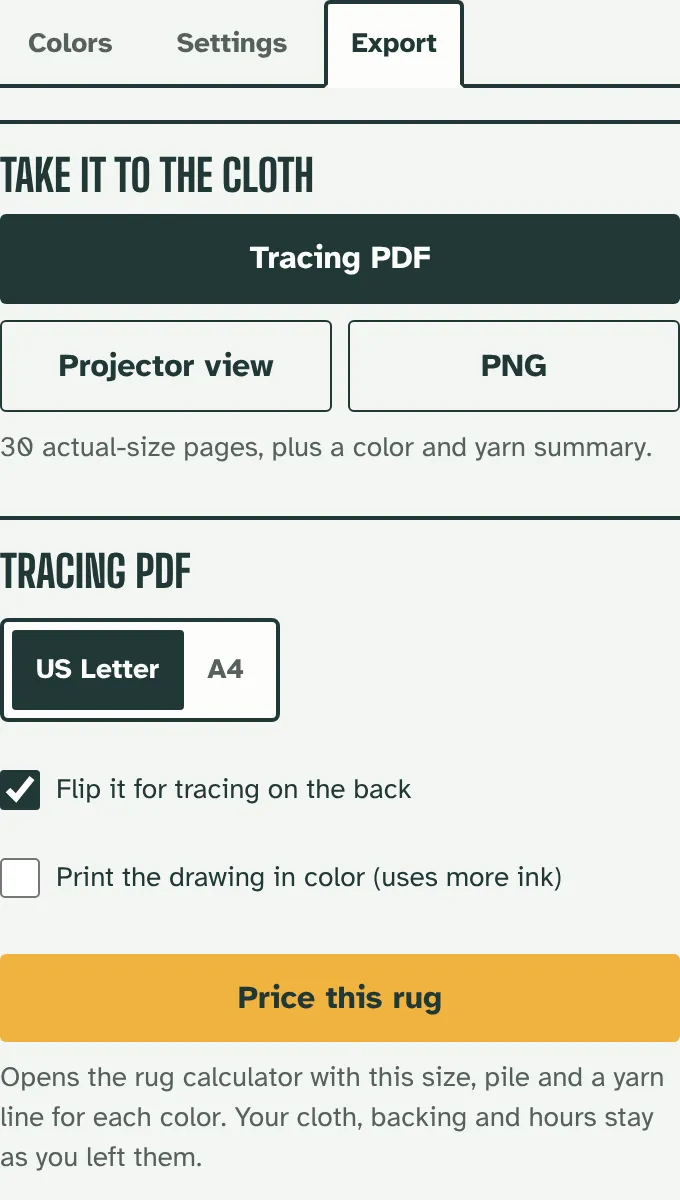
Take it to the cloth
Download an actual-size tracing PDF, flipped so you can trace it on the back of the cloth, or open Projector view to project the outlines. A PNG of the drawing is there too.
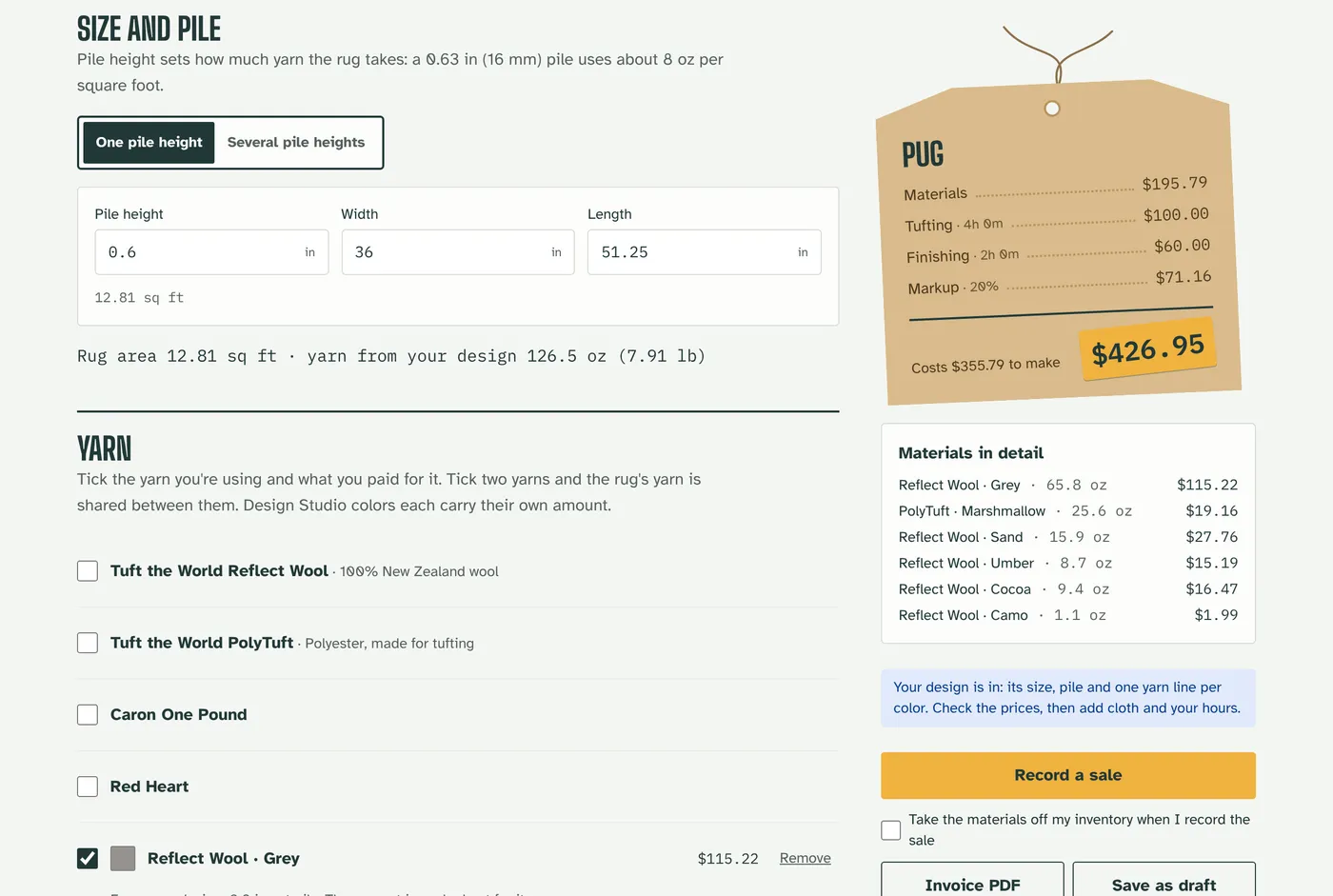
Price it
Tap Price this rug and the rug calculator opens with the size, pile and a yarn line for each color filled in. Add your cloth and hours to get the price. Your designs are saved to My designs, on any device you sign in on.
Ready to design?
The Design Studio comes with every plan, and with every 10-day free trial.
Open the Design Studio